Overview
The Reports page allows users to generate various Reports with useful information from their Riscosity environment.
Table of Contents
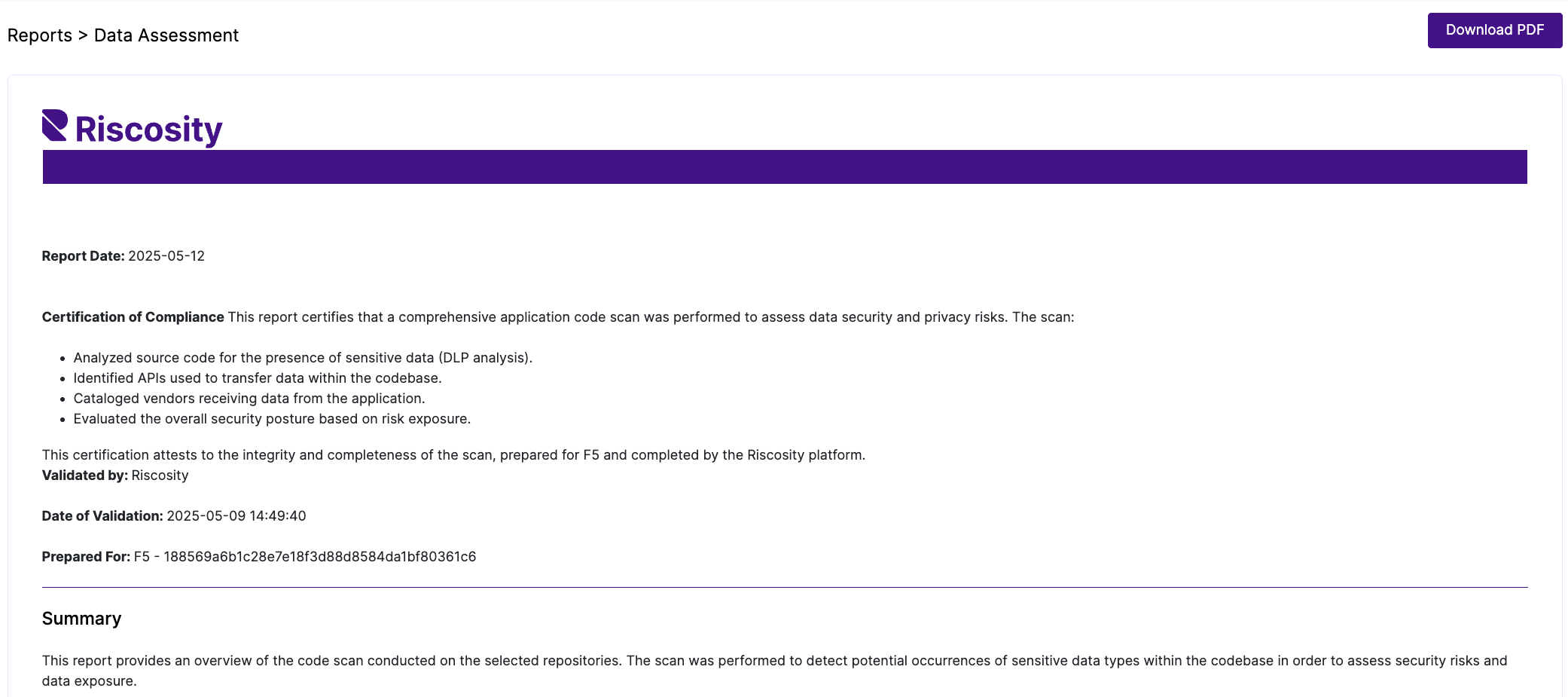
Reports -> Data Assessment
The Reports -> Data Assessment page contains details about scan results for every Application and can be a useful artifact for organizations that have various regulatory requirements or customer commitments around data sharing.
Reports -> PIA
The Reports -> PIA page contains a Privacy Impact Assessment template report that includes a just-in-time inventory of all data types that organizations’ applications are sharing with any 3rd party vendor, a key piece of information that is crucial for ensuring an accurate assessment.

Reports -> ROPA
The Reports -> ROPA page contains a CSV export that provides an inventory of all data elements used by each 3rd party vendor.

Reports -> SBOM
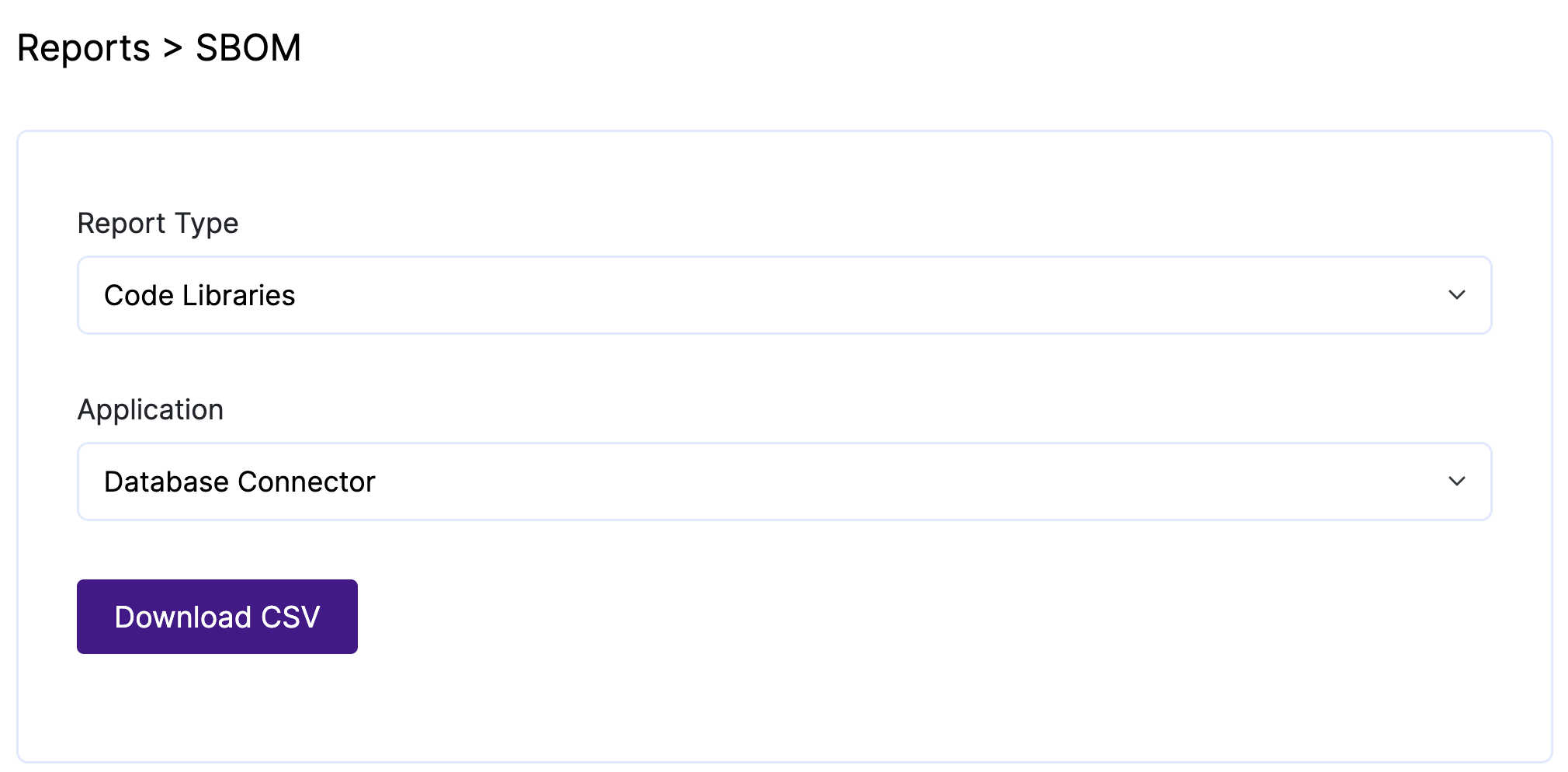
The Reports -> SBOM page contains several reports that aid organizations in producing information for SBOMs.
| Report Type |
Select a Report to generate a detailed CSV file for:
-
Code Libraries: All libraries found in the repositories per Application
-
OS Libraries: All Operating System libraries found in all scanned Servers
-
Note: Users must enable Infrastructure in Settings -> Organizations and scan Servers
-
Applications in Organization: All Applications
-
Repos per Application: All Repositories per Application
-
Server Groups per Application: All Server Groups per Application
-
Note: Users must enable Infrastructure in Settings -> Organizations and scan Servers
-
Servers per Application: All Servers per Application
-
Note: Users must enable Infrastructure in Settings -> Organizations and scan Servers
-
Service Endpoints: All scanned API calls per Application
-
Users in Organization: All Users
|
Reports -> Overview
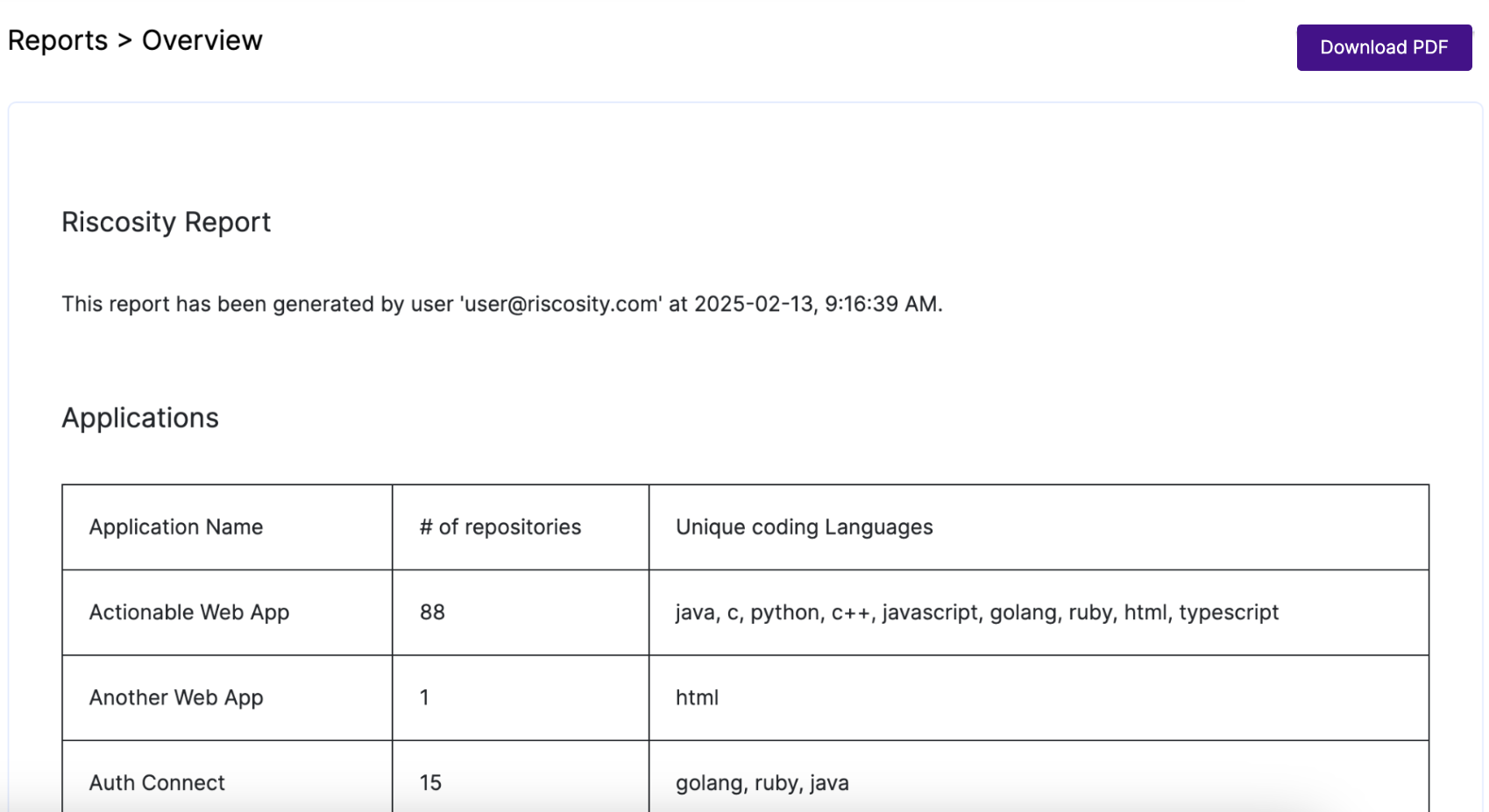
The Reports -> Overview page contains useful information from several areas of Riscosity.
| Download PDF |
Download a PDF of the contents of the Reports -> Overview report
|
| Report Sections |
-
Applications: # of repositories and Unique coding Languages by Application
-
Dashboards: All dashboards from the Dashboard page
-
Vendor Geolocation Map: The map and map legend data sources from Vendors -> Map
-
Vendors & Locations: A list of geographical locations and which Vendors the organization's Applications communicated with in those locations
-
Service Endpoints: All scanned API calls per Application
-
Code Libraries: All libraries found in the repositories per Application
-
Note: Users must enable Infrastructure in Settings -> Organizations and scan Servers
-
OS Libraries: All Operating System libraries found in all scanned Servers
-
Note: Users must enable Infrastructure in Settings -> Organizations and scan Servers
|
Reports -> Other
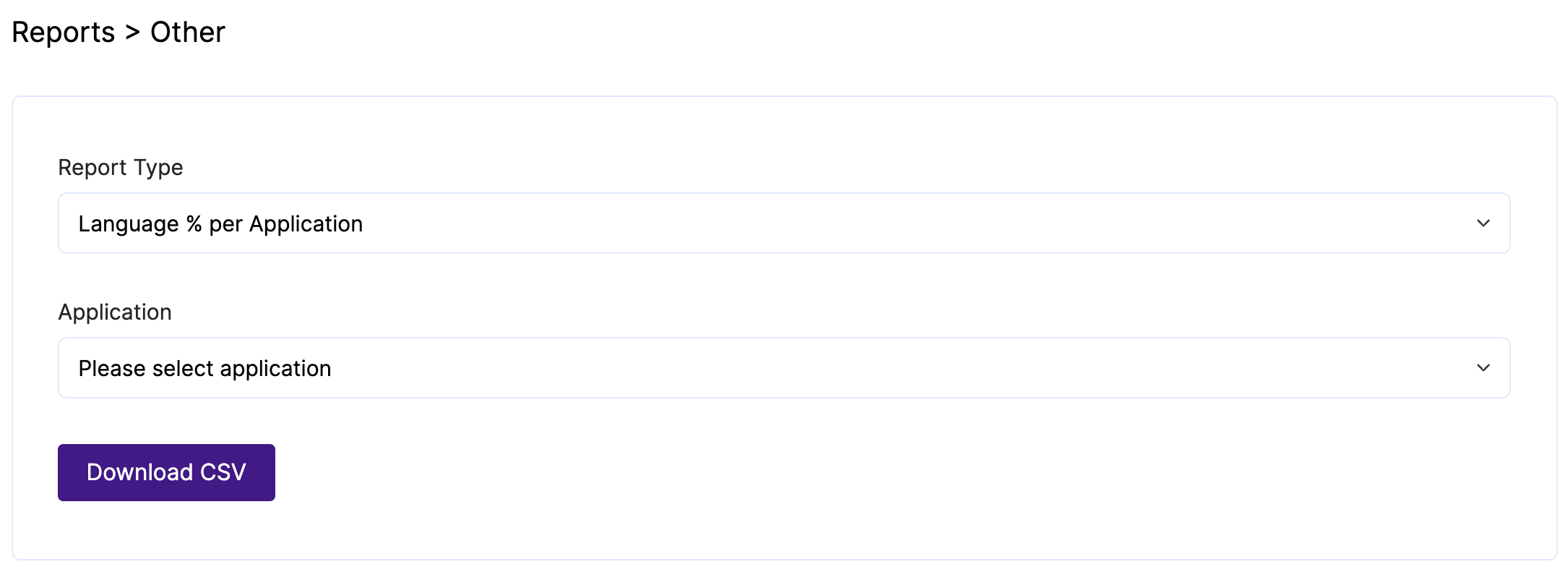
The Reports -> Other page contains several reports about how Applications communicated with Vendors.
| Report Type |
Select a Report to generate a detailed CSV file for:
-
Language % per Application: The percentage of programming languages that the Application's code is comprised of
-
Secure Protocol Use by Vendor: The percentage of API calls an Application made to Vendors that was via HTTP or HTTPS
-
Vendor Reliance: The Applications that made API calls to a Vendor, how many API calls were made, and the percentage of total API calls that the Applications were responsible for making to the Vendor
-
Vendors per Application: All Vendors per Application
|